Front brake repair
In progress- Technician
- Alex
- Due date
- October 3
- Approved work
- $480.00
Replace the front pads and rotors.

Track job status, assign a technician, and set a due date. Keep approved work, inspection notes, and customer replies on the same repair order.
Replace the front pads and rotors.
Update the status as the work changes.
The customer has not decided on the work.
Parts are still needed for the repair.
The job is ready to start.
The repair is underway.
The work is complete.
See who is handling the repair and when it is due. The assignment stays with the work the customer approved.
Replace the front pads and rotors.
Open the job to review what the technician found and what the customer said.
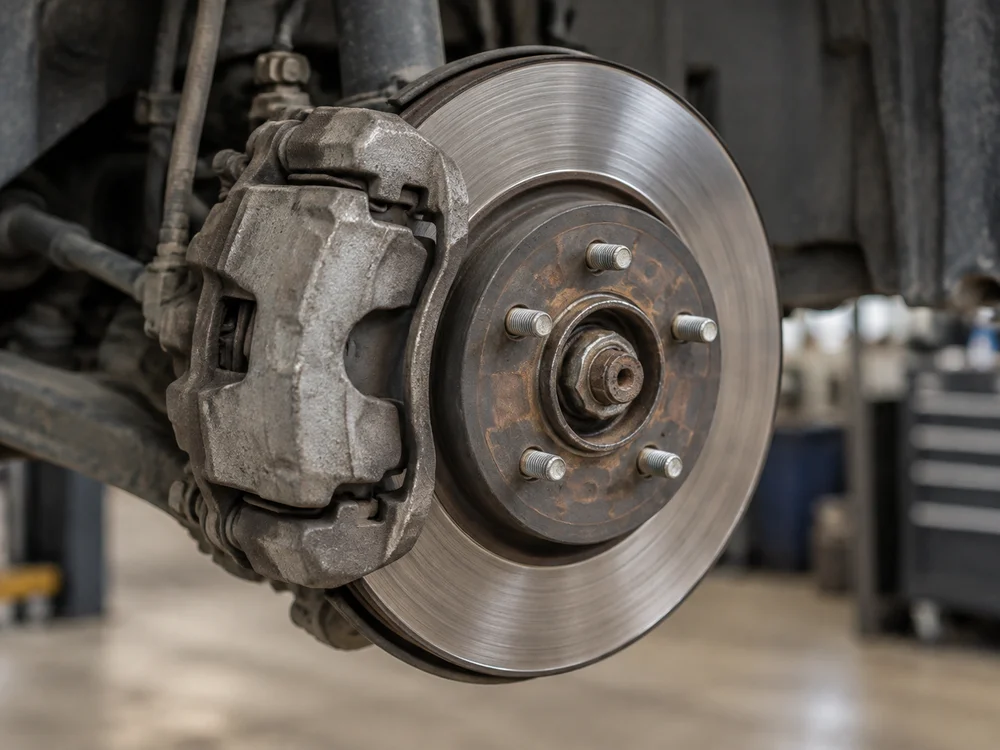
Front pads and rotors are worn.
Set the job to Pickup and notify the customer when the repair is complete. Turn approved parts and labor into an invoice without retyping.
See invoices and paymentsYour front brake repair is complete. Your vehicle is ready for pickup.
Approved work only
Yes. Assign a technician and set a due date. Both stay with the job and its approved work.
No. Use the five fixed states: Waiting approval, Waiting parts, Ready, In progress, and Pickup. A repair does not have to pass through every state.
Record the finding with photos and notes. Convert it into an estimate item and send the added work for customer approval. The earlier approval does not cover it.
Yes. Shop messages and customer replies stay linked to the job. You can also edit message templates and send pickup notifications.
From approved work to pickup, keep the assignment, job status, and customer conversation with the repair.